Mining Desktop vs Hashrate Dashboard — Why Full Access Matters
Why cloud mining platforms should show more than a hashrate number. Compare NoxHash's live mining desktop vs dashboard widgets — and see which one proves the work is real.
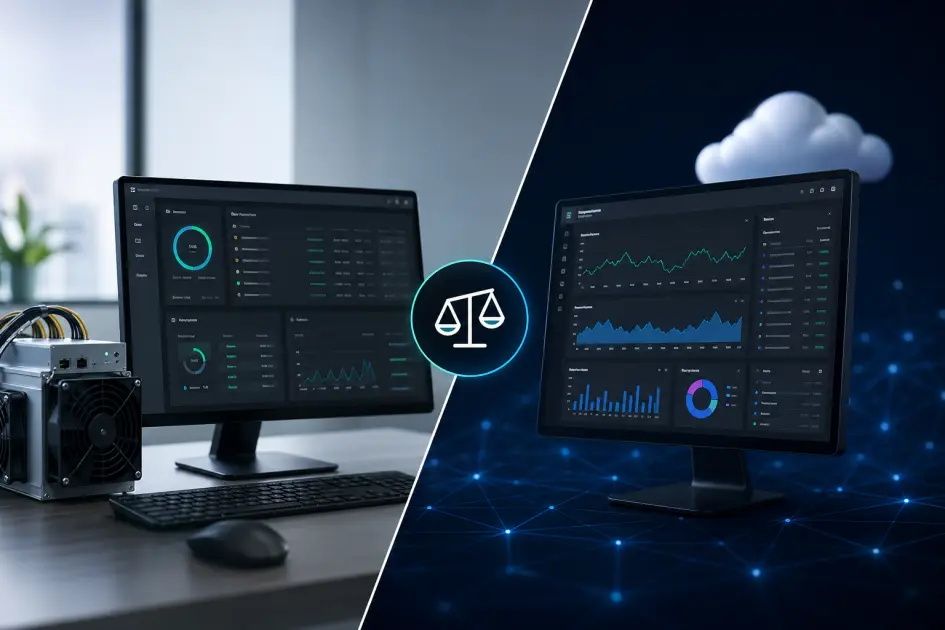
NoxHash gives you two different views of the same mining rig. The hashrate dashboard is a clean, aggregated summary — nine widgets, one screen, daily check-ins. The mining desktop is a live browser window into the real Windows Server running CGMiner. Together they answer different questions: the dashboard tells you how much, the desktop proves that it is real.
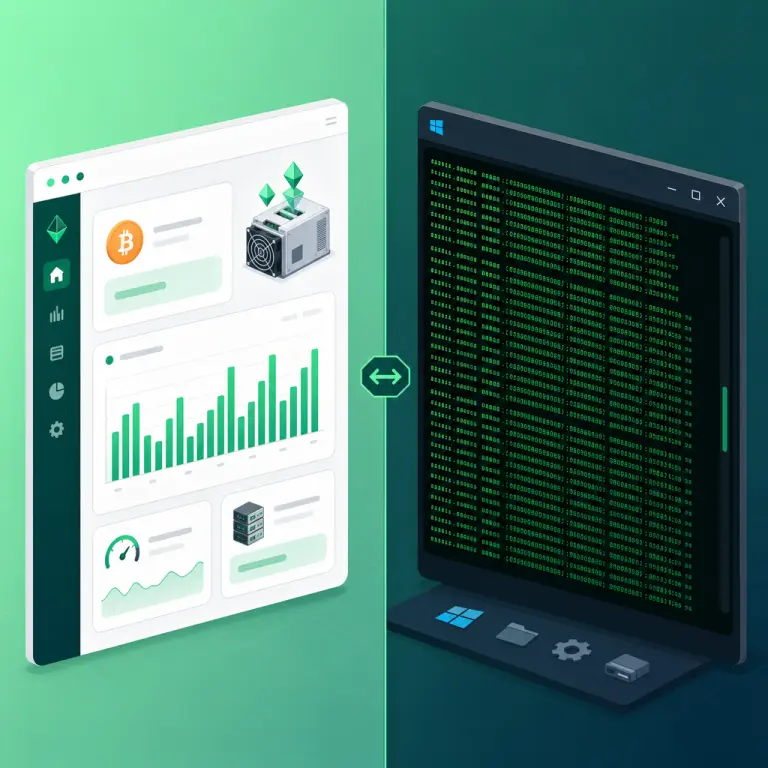
Two Views of the Same Mining Rig
When you rent a miner on NoxHash, the platform gives you two tools to watch it work — and each one is built for a completely different job. The dashboard is the summary view. The mining desktop is the raw view. Most cloud mining services only offer the first.
That difference is not cosmetic. The dashboard pulls numbers from a database and renders them as widgets: a BTC balance, a total hashrate, a 30-day earnings chart. The mining desktop skips the database entirely — it streams the live Windows Server session of the physical machine in our Kazakhstan data center, so you can watch CGMiner submit shares to the pool in real time. One tells you the result; the other shows you the process.
Hashrate dashboard
Nine widgets summarising wallet, fleet, earnings, and market. Refreshes every minute. Best for daily status checks and deciding when to deposit or withdraw.
Mining desktop
A live browser stream of the Windows Server running your miner. Shows real Task Manager stats and the scrolling CGMiner terminal. Best for proof and troubleshooting.
Dashboard vs Mining Desktop — Side by Side
Both interfaces sit behind the same login. The difference is what each one is designed to answer. This table lines up the questions a cloud mining user actually asks, and which tool handles each one best.
| What you want to know | Hashrate dashboard | Mining desktop |
|---|---|---|
| My BTC balance and USD equivalent | Primary widget | Not shown |
| Earnings trend over the last 30 days | Bar chart widget | Not shown |
| Is the hardware actually working? | Running / total tiles | Live proof in terminal |
| Real CPU, GPU, RAM of the machine | Not shown | Windows Task Manager |
| Accepted shares ticking up | Implied via earnings | Scrolling CGMiner log |
| How much hashrate I have on total | Aggregated TH/s tile | Per-machine only |
| Pool connection status | Not exposed | Pool 0: alive line |
| Live BTC, ETH, USDT prices | Market widget | Not shown |
| My last 8 transactions | Activity widget | Not shown |
| What a tuned mining OS looks like | Not shown | Full Windows Server view |
| Time to load | Instant on login | ~1–2 seconds to stream |
| Best daily-use frequency | Every session | On-demand / proof |
The dashboard exists to summarise; the desktop exists to verify. If you had to pick only one, the dashboard wins for daily use — but if you had to pick one to trust, the desktop wins every time.
When the Hashrate Dashboard Is the Right Tool
The dashboard is what most users open first thing in the morning. It is laid out around four groups — wallet, fleet, earnings, and market context — so a 60-second glance is enough to know whether the last 24 hours went as expected.
Daily status check
Wallet card, running-miners tile, today's BTC, and the 30-day chart in one scan. If the shape is roughly flat or rising, you are done for the day.
Trend spotting
The 30-day bar chart separates "this is normal variance" from "something changed" — useful around BTC price swings or after network difficulty adjustments.
Deposit / withdraw decisions
Market widget shows live BTC and USDT quotes. Wallet widget shows balance. Activity widget confirms last action. All three sit on one screen for a reason.
Fleet management at a glance
Running / total / stopped counters plus the combined TH/s tile tell you if any capacity is idle. One click from there lands on My Machines.
When the Mining Desktop Is the Right Tool
The mining desktop is the tool you reach for when a number on the dashboard is not enough — when you want to see the hardware itself. Because it is a full Windows Server session, you can open Task Manager, watch the CGMiner terminal scroll, and confirm the pool connection with your own eyes.
Verify hashrate is real
If the dashboard says 350 TH/s and the CGMiner terminal confirms it, you have moved beyond trust and into evidence — the single biggest thing a cloud miner can offer.
Check hardware health during a BTC dip
When the market moves, earnings in USD can drop even though the miner is fine. A 30-second desktop peek separates "price moved" from "machine stopped".
Learn what a mining OS looks like
Stripped-down Windows Server — no Store, no Cortana, no OneDrive, Defender real-time scanning off. Every cycle goes to CGMiner. It is genuinely educational.
Show someone what they are renting
Before you talk a skeptical friend into cloud mining, open View Desktop and show them a real CGMiner terminal. It beats any marketing page or whitepaper.
Why Full Access Matters — The Trust Argument
Cloud mining has a persistent trust problem, and it is easy to understand why. A dashboard is just a user interface pulling numbers from a database. In theory, those numbers could be anything. An operator without real hardware could show a growing BTC balance, a clean 30-day chart, and rising share counts — and users would not know the difference until the withdrawals started failing. Independent coverage of the space — CoinDesk's guidance on spotting cloud mining scams among the most-cited — repeatedly flags this lack of verifiability as the single biggest red flag in the industry.
The mining desktop is how NoxHash answers that problem. If you can click View Desktop on any running miner and watch the live Windows Server session — cursor moving, Task Manager showing real CPU and RAM of the Antminer S21's host, CGMiner's terminal scrolling accepted shares to the pool — then the number on your dashboard is not a figure someone typed into a database. It is the hardware working, in real time, in Kazakhstan, with your name on the rental.
That is the bar we think cloud mining should meet. The dashboard is nice UX; the desktop is proof. You do not have to check the desktop every day — most users look once, confirm the set-up is real, and then happily use the dashboard for daily check-ins. But the ability to verify whenever you want is what turns "renting hashrate" from a leap of faith into a service with receipts.
What full access gives you that a dashboard alone cannot
- Rule out simulated hashrate — the single most valuable thing a cloud miner can offer.
- Watch the pool connection instead of taking its status on faith from a widget label.
- See the tuning work — every unnecessary service stripped, every CPU cycle going to the miner.
- Keep operators honest — a provider that lets you into the desktop has far less room to fake anything.
Test both views on a real miner — free for 2 days
You have seen the side-by-side case. The fastest way to test it is the free 2-day Basic Miner — you get the full dashboard and View Desktop on day one, no card required.
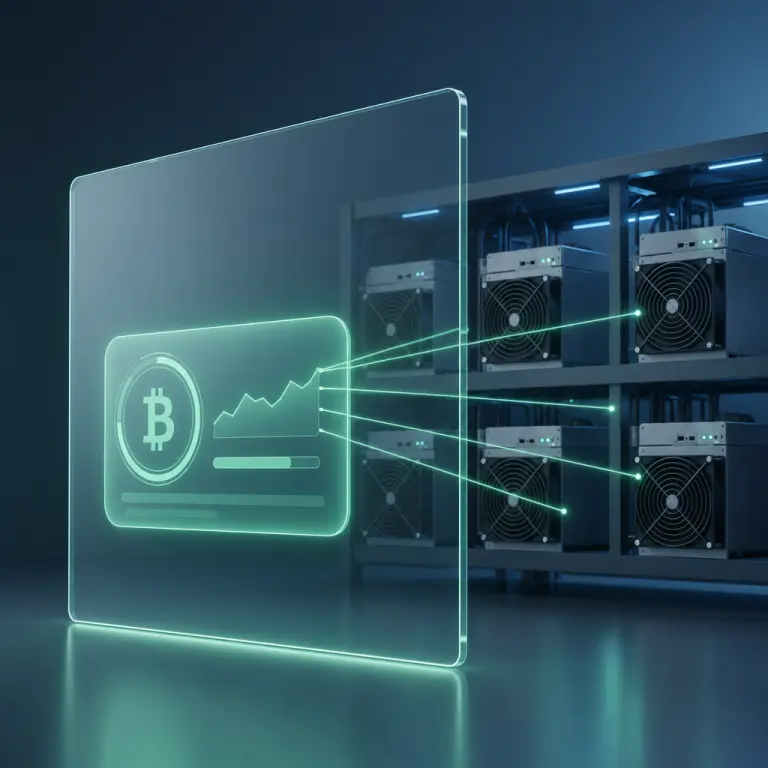
A Simple Rhythm — Using Both Views Together
Once a miner is running, most users settle into a two-layer habit. The dashboard is a daily habit; the desktop is a weekly spot-check and an on-demand diagnostic. Here is the rhythm we see most often.
- Daily — dashboard scan (60 seconds). Wallet, running-miners tile, today's BTC, and the 30-day chart. If the shape looks normal, close the tab.
- Weekly — one desktop spot-check (2 minutes). Open View Desktop on one miner, confirm CGMiner is submitting accepted shares and the pool is alive, then close.
- On-demand — desktop during a price dip. If BTC drops hard and your USD-equivalent balance falls, open the desktop to confirm the miner is still hashing at full speed. Nine times out of ten, it is.
- Before scaling up — desktop pass on current miner. Before moving from Basic to Standard or Pro, look at what the existing miner is actually doing. It is easier to trust the bigger commitment after a firsthand look.
That rhythm keeps your time investment tiny while still catching anything unusual. You are not chained to the desktop, and you are not blindly trusting the dashboard — you are using each tool for the job it was built to do.
Frequently Asked Questions
Do other cloud mining platforms also give desktop access?
Most do not. The industry norm is a dashboard with a hashrate number and an earnings chart. NoxHash adds the mining desktop so users can verify that the number on the dashboard is backed by a real Windows Server running CGMiner on physical hardware in our Kazakhstan data center.
If I use the desktop, does the dashboard still update?
Yes. Opening the mining desktop is a read-mostly stream — it does not pause CGMiner and does not change how earnings are credited. Your dashboard continues to refresh BTC balance, hashrate, and chart data on the same one-minute cadence whether the desktop viewer is open or closed.
Should I check the desktop every day?
No — the dashboard is enough for daily use. Most experienced users open the desktop once at the start, confirm the hardware is real, and revisit it only when something looks off or a market event makes them want visual confirmation. A weekly spot-check is a reasonable middle ground.
Does the desktop work on the free 2-day trial miner?
Yes. The trial miner runs on the same fleet and the same tuned Windows Server image as paid miners, so View Desktop behaves identically. For most first-time users, opening the desktop on the trial is the quickest way to confirm that NoxHash operates real hardware before committing any funds.
What happens if the dashboard and the desktop disagree?
Brief lags are normal because the dashboard aggregates pool settlements on a one-minute cadence while the desktop streams CGMiner output continuously. Sustained mismatch — for example, dashboard shows Running but the terminal is frozen — is worth a support ticket. Our 24/7 team usually catches these before users do.
Do I need technical skills to read the mining desktop?
Not really. You only need to watch four things in the CGMiner terminal: live hashrate matching your tier, accepted-share count ticking up, rejected-share count staying tiny, and the pool line reading alive. If those four look healthy, the miner is doing its job — everything else is detail.
Not financial advice
Full-access transparency confirms that hardware is real, but it does not change the economics of mining. Bitcoin earnings depend on BTC price, network difficulty, and broader market conditions, all of which can change quickly. Past performance does not guarantee future results. Only commit funds you can afford to lose, and consider a local tax advisor for questions about crypto earnings in your country.