How to Reset Your NoxHash Password
Forgot your NoxHash password? Reset it in minutes with our 2026 step-by-step guide — covering the email link, token expiry, 2FA, and Google sign-in.
Resetting your NoxHash password takes about two minutes. Click Forgot Password, enter the email on your account, and follow the secure reset link we email you. The link contains a one-time token valid for 60 minutes, after which you request a fresh one. Your 2FA and BTC balance stay untouched.
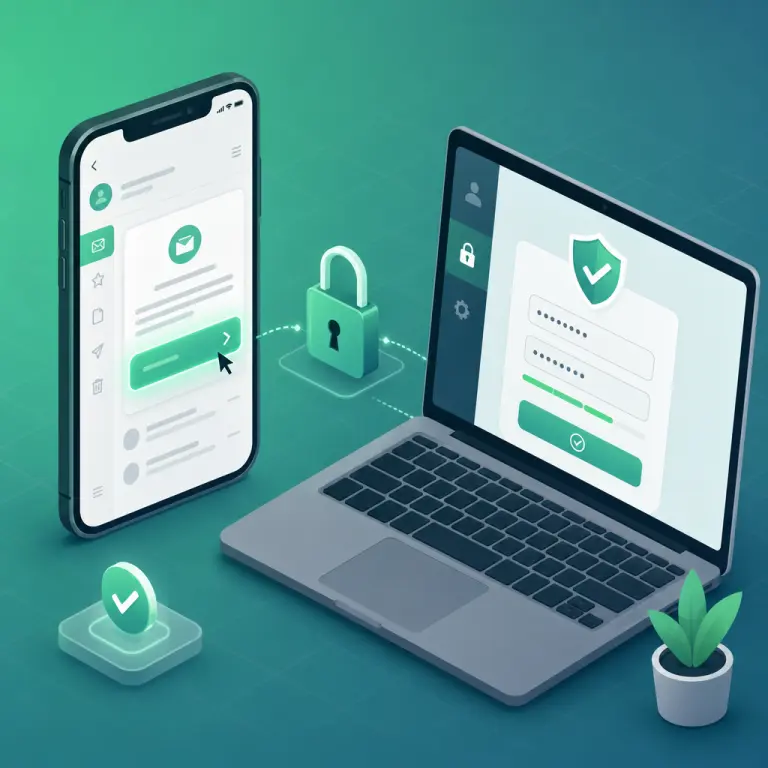
What Happens When You Reset Your Password
A password reset on NoxHash only replaces the credential you use to sign in. It does not touch your BTC balance, your running miners, your 2FA setup, your deposits in progress, or your affiliate earnings. The miners in our Kazakhstan data center keep hashing through the whole process — you just won't be able to log in for the few minutes the reset takes.
Only the password changes
Your BTC balance, miners, 2FA app, and recovery codes all remain exactly as they were before the reset.
Email-based, secure token
We send a one-time reset link to the email on file. The link expires after 60 minutes for your protection.
2FA still required
If you had two-factor auth enabled, you'll still need your app code to complete the next login. Password resets do not disable 2FA.
Before You Start the Reset
Before you click Forgot Password, check these three quick things. Missing any of them is the most common reason users get stuck halfway through:
- Access to your registered email. The reset link only goes to the address on the account. If you no longer control that inbox, skip ahead to the "Lost email too" section.
- Your 2FA device if 2FA is on. Resetting the password does not bypass two-factor authentication. Have Google Authenticator, Authy, or your recovery codes ready for the next login.
- Confirm how you signed up. If you registered through Continue with Google, you never set a NoxHash password — and you don't need to reset one. Just sign in with Google again.
Reset Your Password in 5 Steps
Follow these five steps exactly in the order shown. The whole flow — from request to first successful login — usually finishes inside 2–3 minutes, assuming your email provider delivers the message quickly.
Open the login page and click Forgot Password
Go to noxhash.com/login and click the Forgot your password? link under the password field. This takes you to the reset request page where you enter only one thing — your email.
Enter the email on your account
Type the exact email you registered with — no typos, no old addresses. Click Email Password Reset Link. The request is rate-limited to 3 submissions per minute, so give it a moment instead of mashing the button.
Open the email and click the reset link
Look for a message from NoxHash, subject line "Reset Password Notification". Delivery is usually under 30 seconds. If it's not in your inbox, check Spam, Promotions, or All Mail. Click the reset button inside — the embedded token is valid for 60 minutes only.
Choose a new, strong password
On the reset page, enter your new password twice. Use at least 12 characters, mixed with numbers and symbols — or let a password manager generate a random 16+ character string. Avoid any password you've reused on another site. Click Reset Password.
Sign in with your new password (and 2FA)
You'll be redirected to the login page. Enter your email and the new password. If 2FA is enabled, you'll then be asked for the 6-digit code from your authenticator app. Save the new password in your password manager immediately so you don't forget it again.
No Email Arrived? Check These First
In more than 90% of cases, the reset email is delivered within 30 seconds — but email is imperfect. If nothing shows up after a couple of minutes, work through this short checklist before asking support:
| Possible cause | What to do |
|---|---|
| Gmail filed it under Promotions or Spam | Search from:noxhash in All Mail. Mark as "Not spam". |
| Wrong email address entered | Re-submit with the exact email you used to register — including the correct domain. |
| Corporate mail server is slow | Wait 5 minutes. Check if other external emails are also delayed. |
| You actually signed up with Google | Return to login and use Continue with Google — there is no password to reset. |
| Rate limit hit (too many requests) | Wait 60 seconds, then submit once — not repeatedly. |
| Token already expired (60 min) | Request a fresh reset email — old links stop working after 60 minutes. |
If none of these solve it, open a support ticket from the NoxHash homepage. Include the exact email you registered with, the approximate time of signup, and a screenshot of the reset request page — this gives the team everything needed to verify you and help manually.
Run those 5 steps now — your miners are waiting
You've read the exact reset flow. Open the sign-in page in a new tab, click Forgot Password, and you'll be back on your dashboard checking BTC earnings in a few minutes. If you're new to NoxHash, you can create an account from the same page and claim the free 2-day Basic Miner trial.
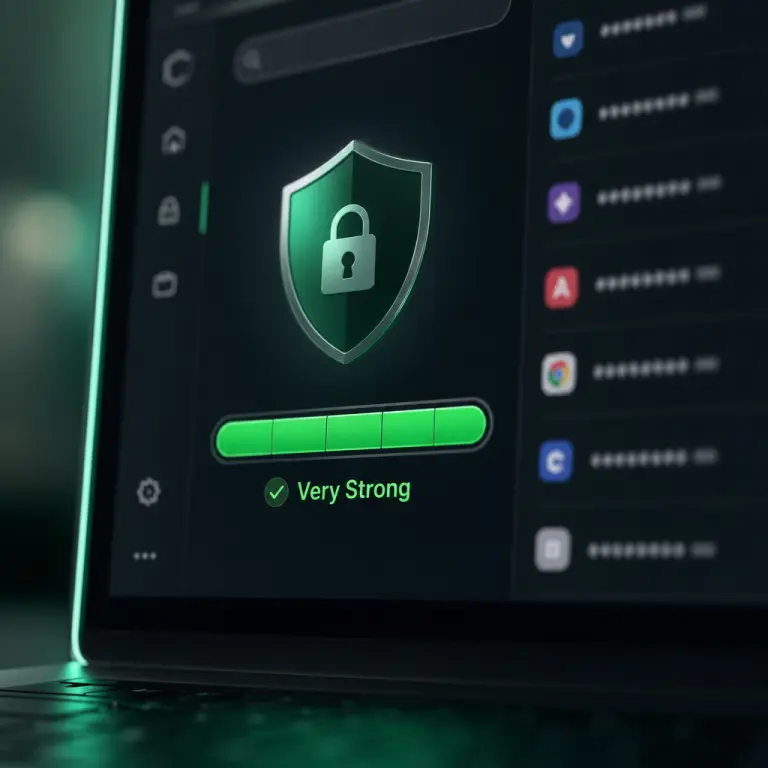
Choose a Password That Actually Protects Your BTC
A cloud-mining account holds real Bitcoin. A weak password is the cheapest way to lose it. Current best practice, summarized from the NIST SP 800-63B Digital Identity Guidelines and CISA's password guidance, is simpler than the old rules you might remember: length beats complexity. Here's what to do — and what not to do:
Use 16+ characters, random
A 16-character random string from a password manager is unbreakable in practice. A 4-word passphrase (e.g. orbit-kettle-mossy-frame) is both long and memorable.
Never reuse across sites
If another site gets breached and you reused that password on NoxHash, attackers will try it against your account within hours. Every account needs its own password.
Avoid the obvious
Names, birthdays, pet names, "noxhash2026", "Password1!" — all trivially guessable. Attackers run dictionaries of millions of common patterns. A random string defeats them.
Back it up with 2FA
Even a perfect password can leak through phishing. Enable TOTP-based 2FA from your NoxHash profile so a stolen password is still not enough to sign in.
For deeper reading, the NIST SP 800-63B Digital Identity Guidelines is the authoritative reference that modern password policies are built on.
Lost Access to Your Email Too? Here's the Path Back
Losing both your password and the email on the account is rare, but it does happen — old work email shut down, a provider closing an inbox, a hacked account. The NoxHash reset link can only go to the registered address, so in this case the self-service flow is not enough. Here's the recovery order:
- Try to recover the email account first. Most providers (Gmail, Outlook, Yahoo, ProtonMail) have their own recovery flows via phone number or secondary address. That's usually faster than involving us.
- If email recovery fails, contact NoxHash support. Open a ticket with as much proof of ownership as you can: approximate signup date, past deposit transaction hashes (TRC-20 or BEP-20), miner names, withdrawal wallet addresses, and any screenshots of the old dashboard.
- Cooperate with identity verification. Because this protects your BTC, the team will be cautious. Expect follow-up questions. This is by design — it's the same friction that stops an attacker from hijacking your account.
- Update the email, then reset the password. Once ownership is verified, the registered email is updated to a new one you control, and you run the normal reset flow described above.
Frequently Asked Questions
How long is the password reset link valid?
The reset token embedded in the email is valid for 60 minutes from the moment we send it. If you click it after expiry, you'll see a message saying the link is no longer valid — just go back to the Forgot Password page and request a fresh email. Old tokens are automatically invalidated.
Will resetting my password log me out everywhere?
Yes. After a successful reset, every existing session is invalidated, so any device previously signed in is logged out. This is intentional — if someone stole your old password, it locks them out immediately. Sign in again on each device with the new password and your 2FA code.
Do I still need my 2FA code after a password reset?
Yes. A password reset does not disable two-factor authentication. When you sign in with your new password, NoxHash will still prompt you for the 6-digit code from your authenticator app. If you lost the phone with the app, use one of your 8 saved recovery codes to get back in.
I signed up with Google — how do I reset my password?
You don't — and you can't. Google sign-up never creates a NoxHash password; Google itself handles authentication. Just go to the login page and click Continue with Google. If you lost access to the Google account, use Google's account recovery process first, then come back to sign in.
Will my running miners stop while I reset?
No. The physical ASIC miners in our Kazakhstan data center keep hashing regardless of your session state. Resetting a password only affects sign-in, not mining. Your hashrate, pending BTC earnings, and rental countdown keep ticking the whole time you're on the reset flow.
Can I reuse an old NoxHash password?
Technically yes, but it's a bad idea. If you're resetting because you suspect the old password leaked, reusing it defeats the point. Even if you're just refreshing, a new unique password from a password manager is safer and no harder to use. Treat every reset as a chance to upgrade.
Security & financial note
This guide describes NoxHash account recovery only — it is not financial, legal, or security advice tailored to your situation. Always type the NoxHash URL yourself or use a bookmark to avoid phishing clones, and never share your password, 2FA codes, or recovery codes with anyone, including people claiming to be support staff. Cloud mining earnings remain subject to BTC price and network difficulty changes — past performance does not guarantee future results.