How to Rent Your First Bitcoin Miner on NoxHash
Step-by-step 2026 guide to renting your first Bitcoin miner on NoxHash: compare 4 tiers, unlock up to 20% off with longer terms, deposit USDT, start mining.
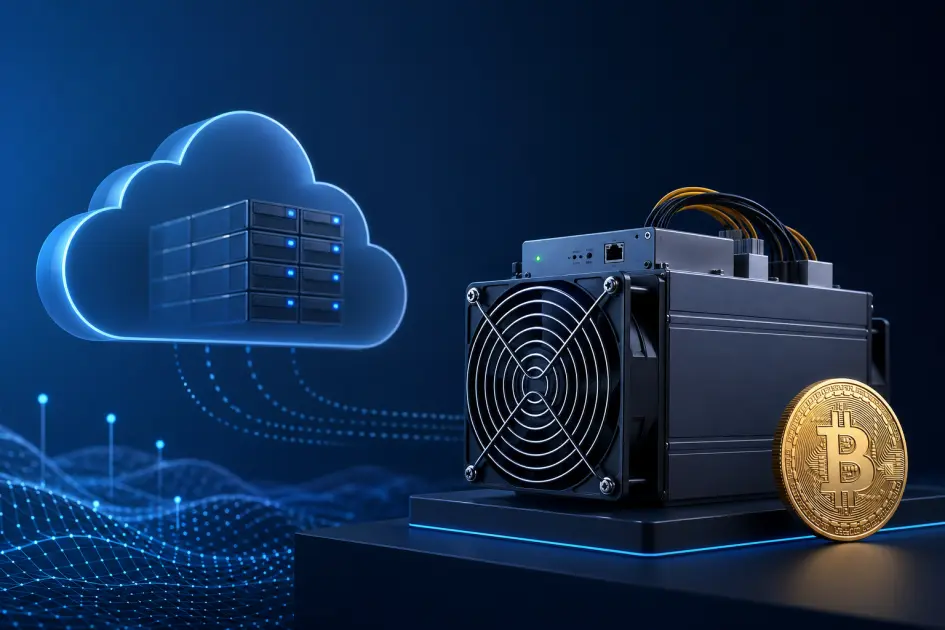
Renting your first Bitcoin miner on NoxHash takes four steps: sign in, open the Marketplace, pick one of the four tiers (Basic $20, Standard $50, Pro $100, Enterprise $250), choose a 1-to-24-month term for up to 20% off, and deposit USDT. Your miner is provisioned in our Kazakhstan data center and starts mining BTC within minutes.
What "Renting a Miner" Actually Means on NoxHash
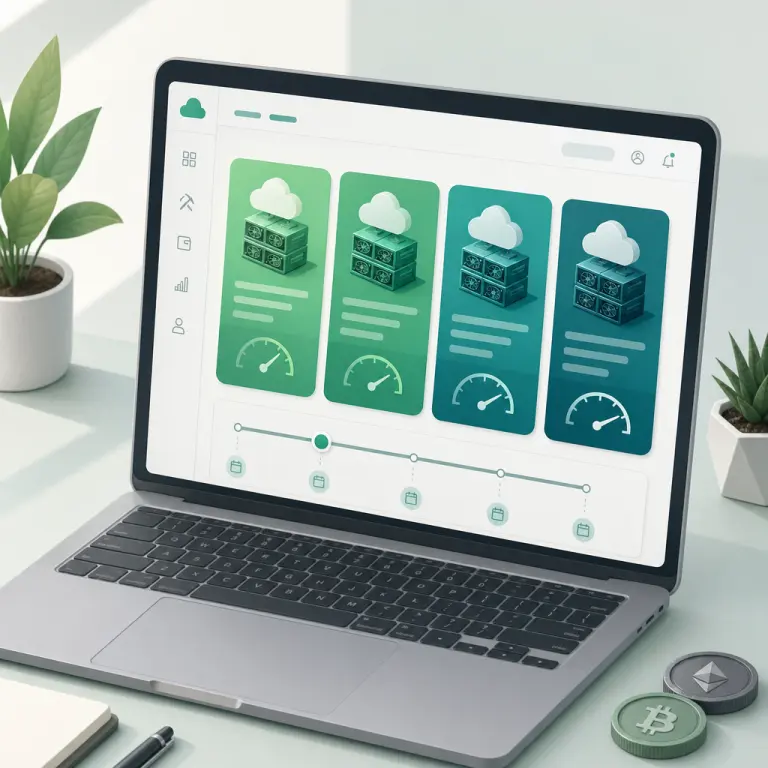
Renting on NoxHash is not a contract to deliver hardware to your home. You are reserving dedicated hashrate on an ASIC in our Kazakhstan data center — the Antminer S21 and WhatsMiner M60/M66 fleet already runs at $0.035/kWh industrial power with natural cooling from the continental climate. We handle the hardware; you collect the BTC the hashrate produces, credited to your wallet every minute.
That means your rental price covers four things: the slice of hashrate you book, the electricity to run it, the 24/7 technical team that maintains the fleet, and the pool fee. There are no extra costs beyond the monthly rate and the 1.5% withdrawal fee when you move BTC off-platform.
Real ASIC hashrate
Your rental maps to a real slot on Antminer S21 or WhatsMiner M60/M66 hardware running 12–18.5 J/TH efficiency.
BTC every minute
The accrual engine credits your wallet every minute from pool FPPS payouts — no manual claims, no delayed settlement.
Remote mining desktop
Open View Desktop on any rental to see the live Windows Server session and scrolling CGMiner terminal — transparency on demand.
Compare the 4 Miner Tiers
All four tiers use the same SHA-256 algorithm and sit on the same fleet — the only difference is how much hashrate and power you reserve, and therefore how much BTC your slot produces each month. The monthly price below is the base rate for a 1-month rental. Longer terms apply a discount (covered in the next section).
| Tier | Hashrate | Power | Monthly price |
|---|---|---|---|
| Basic Miner | 50 TH/s | 1,200W | $20 / month |
| Standard Miner | 150 TH/s | 3,000W | $50 / month |
| Pro Miner | 350 TH/s | 5,500W | $100 / month |
| Enterprise Miner | 1,000 TH/s | 12,000W | $250 / month |
Which tier fits which user? Use this as a rough guide — you can always start small, watch the dashboard, and upgrade or add miners later.
- Basic ($20) — first-time renters. Ideal for anyone who wants to test cloud mining with the smallest possible commitment after the 2-day free trial.
- Standard ($50) — committed beginners. A sensible step up once you know you want monthly BTC accrual and are comfortable with market volatility.
- Pro ($100) — serious hobbyists. Suits users planning a 12–24 month horizon who want meaningful hashrate without jumping to an enterprise budget.
- Enterprise ($250) — heavy users and resellers. Best for those comfortable with crypto risk who want the largest single-unit hashrate before stacking multiple miners.
Pick a Rental Term — Save Up to 20%
NoxHash rewards longer rentals with a straight-line discount. You still pay upfront (in USDT), but the monthly effective rate drops as the term extends. The table below lists every term and the multiplier that applies to the base monthly price.
| Rental term | Discount | Price multiplier |
|---|---|---|
| 1 month | 0% | Base price × 1.00 |
| 3 months | 5% | Base price × 0.95 |
| 6 months | 10% | Base price × 0.90 |
| 12 months | 15% | Base price × 0.85 |
| 24 months | 20% | Base price × 0.80 |
Worked example — Pro Miner, 12 months
The Pro Miner base rate is $100/month. Book 12 months and the 15% discount applies:
- • Monthly list price: $100
- • Months: 12
- • Multiplier (15% off): 0.85
- • Total due: $100 × 12 × 0.85 = $1,020
- • vs. twelve 1-month rentals ($1,200): saves $180/year
The same math applies to every tier. On Enterprise ($250 base) over 24 months, the 20% discount means $250 × 24 × 0.80 = $4,800 instead of $6,000 — $1,200 saved.
Rent Your First Miner in 5 Steps
With the tier and term decisions behind you, the rental itself is a single flow. Here is exactly what happens from sign-in to your first minute of BTC accrual.
Sign in to your account
Log in with your email and password, or use Continue with Google. If you don't have an account yet, signup takes under two minutes and you can claim a free 2-day Basic trial before spending anything.
Open the Marketplace and pick a tier
Click Marketplace in the top navigation. You'll see the four tier cards side by side: Basic (50 TH/s), Standard (150 TH/s), Pro (350 TH/s), Enterprise (1,000 TH/s). Select the one that matches your budget and risk appetite.
Choose a rental duration
Select 1, 3, 6, 12, or 24 months from the duration selector. The total price updates live as you switch terms so you always see the discount applied. Click Rent (or Checkout, depending on tier) when you're satisfied.
Deposit USDT to cover the rental
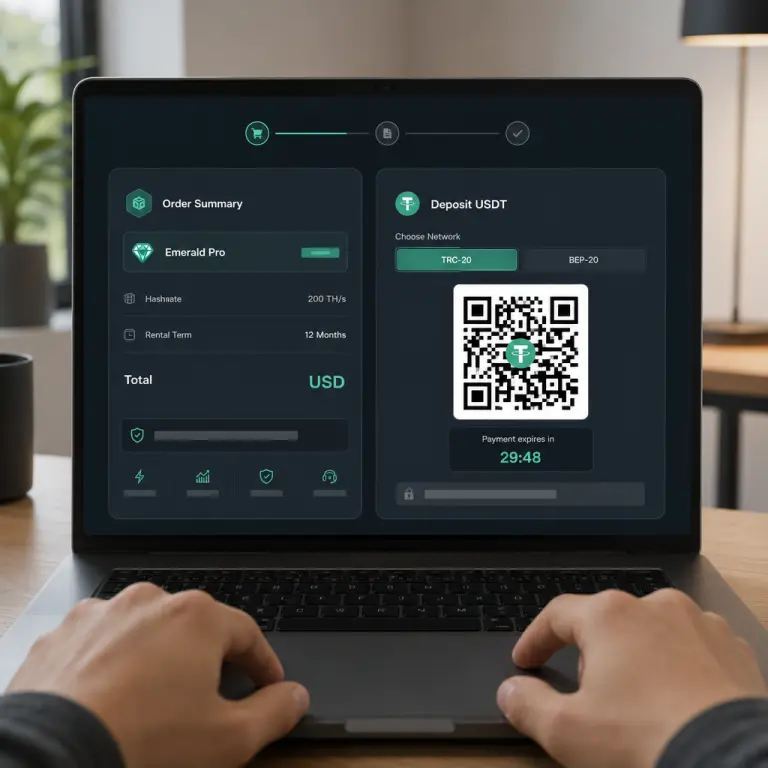
Choose TRC-20 (Tron, ~$1–2 gas) or BEP-20 (BSC, ~$0.05–0.30 gas). NoxHash generates a unique deposit amount with cents (e.g. $1,020.03) and a 30-minute window. Send exactly that amount from your wallet and the system auto-confirms on-chain.
Order confirmed — miner starts
Once your deposit lands, NoxHash converts USDT to BTC at the live rate, provisions the rental, and flips its status to Running. You're redirected to My Machines, and within about a minute the first accrual tick credits BTC to your wallet.
Put the tier and term you just picked into action
You know the Basic-to-Enterprise ladder, the 0–20% duration discount, and the 5-step flow. Open your account, head to the Marketplace, and your first miner can be running within minutes — or try the Basic tier free for 2 days before paying a cent.
4 Tips for a Smooth First Rental
These small habits avoid the most common first-rental mistakes — wrong network, wrong cents, wrong tier, or skipping security before depositing.
Use the free trial first
Before spending, activate the 2-day Basic Miner trial. You'll learn the dashboard, open the mining desktop, and decide a tier with real data instead of assumptions.
Match the deposit network to your wallet
If you send TRC-20 USDT to a BEP-20 address (or vice versa), the funds can be lost. Copy the network and address from the same NoxHash screen — never guess.
Enable 2FA before depositing
Scan the QR in Google Authenticator, save the 8 recovery codes, and your wallet is protected by both a password and a rotating code before any USDT lands.
Mind the market before you commit
Rental fees are fixed in USD but earnings are paid in BTC. Avoid renting during a prolonged BTC downturn, and consider shorter terms if you want flexibility while the market finds a floor.
What to Do Right After Your Miner Is Running
The moment the status badge on My Machines turns green, a handful of small checks confirm everything is working and prepare you for the month ahead.
- Verify the miner status is Running. It should turn green within a minute of your deposit confirming on-chain.
- Open View Desktop. Confirm the Windows Server session loads and the CGMiner terminal is scrolling — this is the clearest signal your hashrate is real and pointed at a live pool.
- Watch the first accrual tick. Within roughly 60 seconds of activation, the Total BTC Mined counter on your dashboard should start ticking upward.
- Note your rental end date. The progress bar on the machine card shows days remaining and turns red when ≤7 days are left — a natural trigger to decide whether to renew.
- Plan your first withdrawal. BTC withdrawals have a 1.5% fee and a 0.00001 BTC minimum. Admin review adds a short processing delay, so plan ahead rather than rushing the first payout.
Frequently Asked Questions
What is the cheapest way to try mining on NoxHash?
The 2-day free trial on the Basic Miner (50 TH/s) costs nothing and needs no deposit. If you want withdrawable BTC, a 1-month Basic rental at $20 is the entry point. Both options share the same dashboard, mining desktop, and accrual engine, so you can scale up later.
Do I pay monthly or upfront when I rent a miner?
Upfront for the full term. A 12-month Pro rental is billed at $100 × 12 × 0.85 = $1,020 once, not $85 every month. This is how NoxHash applies the duration discount and reserves your hashrate slot. Earnings then accrue to your BTC wallet continuously during the term.
Which USDT network should I choose — TRC-20 or BEP-20?
BEP-20 on BSC is cheapest (around $0.05–0.30 in gas) and usually fastest to confirm. TRC-20 on Tron costs about $1–2 and is popular on major exchanges. Pick whichever network matches the wallet you are sending from — never bridge networks to save a few cents.
What happens if I send the wrong USDT amount?
NoxHash generates a unique amount with cents (for example $50.03) so it can match your transfer automatically. If you round off or send after the 30-minute window, the deposit cannot auto-confirm. Contact support with your transaction hash and the team will reconcile manually.
How quickly does my miner start mining after I pay?
Usually a few minutes. Once the blockchain confirms your USDT transfer, NoxHash provisions the rental and flips its status to Running. BTC accrues to your wallet within about a minute after activation, since the payout engine runs every minute against FPPS pool shares.
Can I cancel a rental early or get a refund?
Rentals are pre-paid for the full term and generally non-refundable once the miner is provisioned, because hashrate capacity has already been reserved for you. You can Stop a miner to pause accrual temporarily, and all BTC earned up to that point remains withdrawable subject to the 1.5% fee.
Not financial advice
Renting a miner is an investment in a volatile asset. Bitcoin earnings depend on BTC price, network difficulty, halving cycles, and broader market conditions — all of which can move sharply. Rental fees are fixed in USD while payouts are in BTC, so a prolonged price drop can push net returns below cost. Past performance does not guarantee future results. Only commit funds you can afford to lose, and consider consulting a local tax advisor on crypto earnings in your country.