How We Maintain 99.9% Uptime for Your Miners
See how NoxHash delivers 99.9% uptime: redundant power, dual-ISP fiber, 24/7 technicians, watchdog monitoring, and a 4-8 hour hardware SLA.
99.9% uptime means your miners stay online all but about 43 minutes each month. At NoxHash, we hit that number with eight overlapping layers — redundant power, dual-ISP fiber, 24/7 technicians on site, watchdog monitoring, pool auto-failover, and a 4 to 8-hour hardware replacement SLA. Here's exactly how each layer works.
What 99.9% Uptime Really Means
Uptime is the percentage of time a system is operational and serving its purpose. For a mining rig, "serving its purpose" means hashing against the Bitcoin network and submitting valid shares to the pool. The math is simple: uptime = (total time − downtime) ÷ total time × 100%.
A 0.1% gap sounds tiny, but it translates very differently at each scale. Anyone quoting uptime should be explicit about both the percentage and the measurement window — a vendor claiming "99% monthly" is promising 17x more allowable downtime than NoxHash's 99.9% standard.
| Uptime SLA | Max downtime / day | Max downtime / month | Max downtime / year |
|---|---|---|---|
| 99% ("two nines") | 14.4 minutes | ~7.2 hours | ~3.65 days |
| 99.9% (NoxHash) | 1.44 minutes | ~43.2 minutes | ~8.76 hours |
| 99.99% (AWS tier) | 8.64 seconds | ~4.32 minutes | ~52.6 minutes |
| Typical home ASIC | Variable | Often > 3 days | Often < 90% uptime |
For reference, the Uptime Institute — the industry body that defines the widely used Tier I-IV data center classification — assigns 99.671% availability to Tier I facilities and up to 99.995% for Tier IV. NoxHash's 99.9% target sits comfortably in the commercial operations range and, more importantly, is what matters for your share submissions to the mining pool.
Why a Home ASIC Rarely Beats 90%
If you run a single Antminer S21 in a garage, three practical issues steal uptime long before you notice:
Grid outages
Residential power drops happen several times a year in most countries. No UPS means every flicker equals a reboot — often a 10 to 30-minute recovery per event.
Consumer ISP outages
One home internet line with no failover. When your ISP has maintenance, your miner submits zero shares until it recovers — that's direct lost earnings.
Maintenance windows
Dust, fan wear, firmware updates, and thermal throttling all eat hours. A typical home operator accumulates 10 to 20% downtime over a year without realizing it.
Industry surveys of independent home miners routinely report effective uptime between 85% and 92%. That gap — 8 to 15 percentage points below NoxHash's 99.9% target — is roughly 70 to 130 hours of lost hashing time per year. At $0.05 per TH/day, even a small rig loses meaningful earnings to downtime alone.
The 8 Layers That Keep Your Miner Online
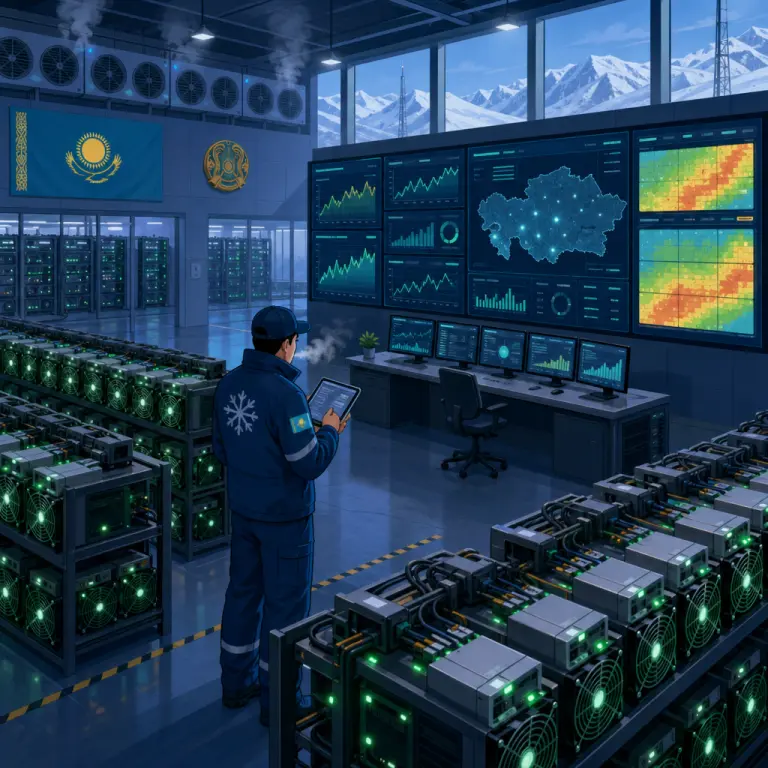
Redundancy isn't one big switch — it's a stack. Each layer handles a specific failure mode so no single problem ever touches your hashrate. Here's what runs in our Kazakhstan facility:
1. 24/7 on-site technical team
Technicians rotate through shifts around the clock at the Kazakhstan facility. Human eyes on racks catch issues — loose cables, failed fans, odd noises — that sensors miss. Physical hands can swap a unit in minutes, not hours.
2. UPS + diesel generator with auto-failover
UPS batteries absorb the first seconds of any grid event with zero interruption, then diesel generators spin up automatically and carry the load for as long as needed. Miners never see the transition.
3. Redundant dual-ISP fiber
Two independent fiber lines from different providers enter the facility on separate physical routes. If one circuit is cut by construction or maintenance, traffic reroutes to the second line automatically within seconds.
4. Real-time hashrate + temperature monitoring
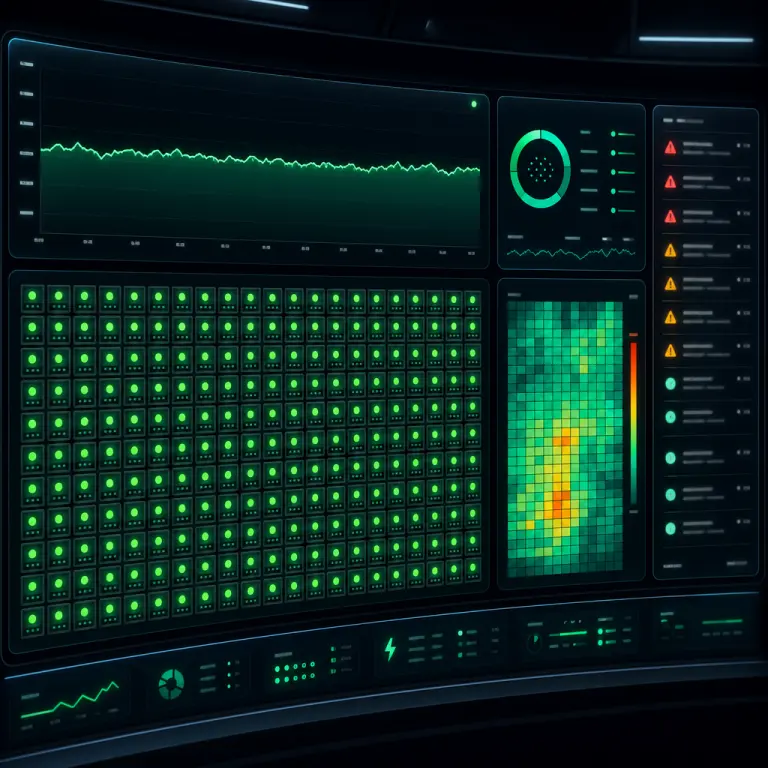
Every miner reports hashrate, chip temperature, and fan RPM to a central dashboard. Anomalies — a unit drifting 10% below expected TH/s, or a chip exceeding safe temp — trigger pager alerts within seconds.
5. 4 to 8-hour hardware replacement SLA
When a miner fails beyond repair, a spare unit from the on-site inventory takes its place within 4 to 8 hours. Your rental continues hashing under the same plan — you don't notice which physical box is assigned to you.
6. Pool auto-failover
CGMiner keeps backup mining pools configured. If the primary FPPS pool stops accepting shares — rare, but it happens during DDoS events — miners reconnect to a secondary pool automatically so your hashrate never sits idle.
7. CGMiner auto-restart
The Windows Server image is tuned for mining only — no updates, no Defender scans, no background apps. If CGMiner ever crashes, a service wrapper relaunches it within seconds without waiting for a human.
8. Hardware watchdog
A watchdog chip on the control board expects a heartbeat every few seconds. If the OS hangs, the watchdog power-cycles the unit automatically — recovery without a technician walking to the rack.
What Happens in Each Failure Scenario
Redundancy descriptions mean little without knowing the response time. Here's the typical timeline from fault to full recovery for the common failure modes we see:
Grid power drop — recovery in 0 seconds
The UPS carries the entire load during the initial grid fault. Within 10 to 30 seconds, diesel generators sync and take over. Miners never lose power — uptime impact is effectively zero for your hashrate.
Primary ISP circuit down — recovery in seconds
Border routers detect the failed circuit and advertise routes over the secondary ISP. Share submissions resume in under a minute; any shares that were in-flight are resubmitted automatically by CGMiner.
Mining pool stops accepting shares — recovery in < 1 minute
CGMiner detects the lack of share acceptance and rotates to the backup pool defined in its config. FPPS accounting on the primary pool resumes when it returns; you see a brief graph dip but no lost earnings.
CGMiner crashes on one unit — recovery in seconds
The service wrapper relaunches CGMiner automatically. If the process keeps crashing, the watchdog power-cycles the unit. Monitoring flags the event; a technician investigates root cause during the same shift.
Hardware failure (PSU, hashboard, fan) — recovery in 4 to 8 hours
Alerts route to the on-shift technician. A spare unit is pulled from inventory and racked; your rental is reassigned to the new hardware. From detection to full hashrate restoration, the SLA target is 4 to 8 hours.
Thermal excursion — automatic throttle, no manual action
If a chip breaches its safe temperature, the miner throttles or shuts down itself to protect the silicon. Technicians check cooling, clean filters, or reseat the unit during the same day. Most events resolve without any hashrate loss.
Put those 8 layers behind your first miner
You just read exactly how NoxHash absorbs power, network, software, and hardware failures without touching your hashrate. Start with a free 2-day Basic Miner trial and watch the live dashboard in action — no deposit required.
Frequently Asked Questions
What exactly counts as downtime at NoxHash?
Downtime is any period when your assigned hashrate is not submitting valid shares to a mining pool. Scheduled firmware updates that complete within seconds don't count, but any unplanned outage — power, network, software, or hardware — does count toward the 99.9% target.
Is 99.9% uptime measured per miner or across the whole fleet?
It's a per-rental target. Your rented hashrate is expected to be online 99.9% of the billing month. If a physical miner fails, your rental is reassigned to a spare unit from inventory within the 4 to 8-hour SLA, so the rental stays hashing even when the underlying hardware changes.
How does NoxHash uptime compare to AWS or Google Cloud?
Major cloud providers publish 99.99% SLAs for compute services — that's about 4.3 minutes of monthly downtime versus our 43 minutes. The tradeoff is purpose: hyperscalers target web infrastructure, while NoxHash is optimized for sustained 24/7 hashing on specialized ASIC hardware with on-site swap inventory.
Do I lose earnings during the 4 to 8-hour hardware swap?
You'll see a gap on your hashrate graph only for the window the unit is unplugged. Because FPPS accounting is based on submitted shares, the missed interval does reduce earnings for that window — but the surrounding 99.9% uptime budget keeps the monthly total very close to the expected baseline.
Can I see my miner's live uptime and temperature?
Yes. Your dashboard shows running, stopped, or expired status plus real-time hashrate. For deeper detail, click View Desktop on any active miner to open the actual Windows Server session and watch the live CGMiner terminal output, including chip temperature and share acceptance.
What's the single biggest uptime risk NoxHash can't control?
Bitcoin network events — pool-wide outages across multiple providers, or a widespread internet disruption between Kazakhstan and global peers. These are rare and industry-wide, but no single mining operator can insulate against them. Our dual-ISP and multi-pool setup minimizes exposure, it doesn't eliminate it.
Not financial advice
Uptime describes how reliably your miner hashes — it does not describe earnings. Bitcoin mining returns depend on BTC price, network difficulty, pool fees, and halvings, all of which can change quickly and are outside any operator's control. Past uptime and past earnings do not guarantee future results. Only rent with funds you can afford to lose, and consult a local tax advisor for questions about crypto earnings in your country.