How to Create Your NoxHash Account (Step-by-Step)
Create your NoxHash cloud mining account in under 2 minutes. Step-by-step signup guide with Google or email, plus a free 2-day mining trial included.

Creating a NoxHash account takes under two minutes. You can sign in instantly with Google, or register with your name, email, password, and a 6-digit CAPTCHA. After a quick email verification, your dashboard unlocks — complete with a free 2-day Basic Miner trial and no deposit required.
What You Unlock With a NoxHash Account
NoxHash is a cloud mining platform that lets you rent Bitcoin mining hashrate from our data center in Kazakhstan — no hardware to buy, no electricity to pay, no setup to figure out. Creating an account is free and reversible: you can explore every feature before you ever deposit a cent.
Free 2-day trial
Activate a Basic Miner (50 TH/s) for 48 hours the moment you confirm your email. One trial per account.
Global platform
Interface available in 6 languages — English, Vietnamese, Chinese, Russian, Korean, and Japanese.
Real mining desktop
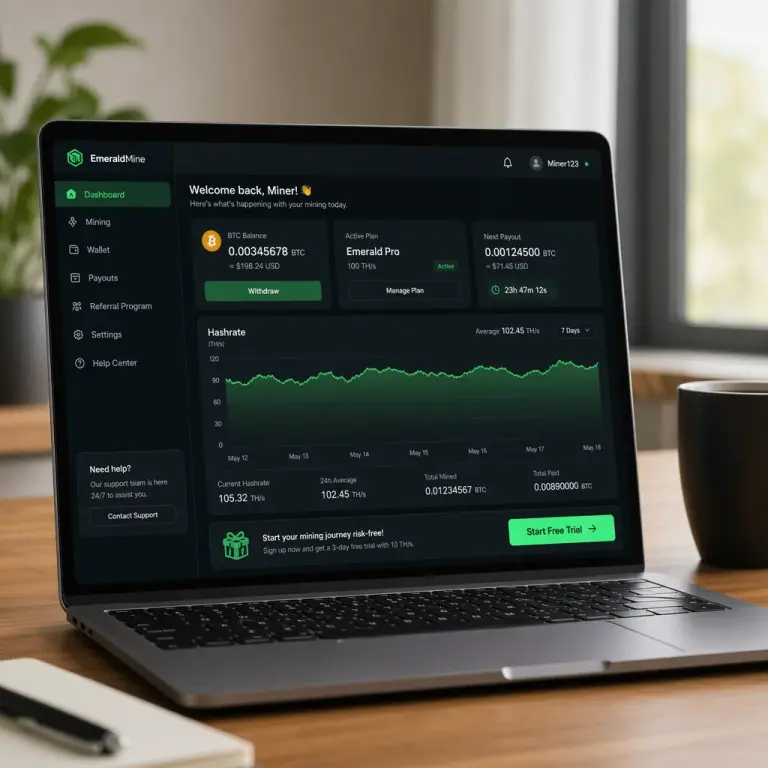
View your miner's live desktop and CGMiner terminal from the browser — proof your hashrate is real, not simulated.
What You Need Before You Start
Signing up is light on requirements. You don't need government ID, a credit card, or any crypto knowledge to create the account. Gather these three things and you're ready:
- A valid email address — used for verification, earning reports, and password recovery. A Gmail or work address works fine.
- A strong password — at least 8 characters, ideally generated by a password manager. You'll confirm it twice during signup.
- Optional: a 2FA app — Google Authenticator, Authy, or 1Password. You can enable two-factor auth right after signup, which we strongly recommend for any crypto account.
Create Your Account in 5 Steps
Follow these five steps and you'll be at your mining dashboard in roughly two minutes. Every NoxHash user — whether they rent a Basic Miner for $20/month or the Enterprise tier for $250 — starts exactly the same way.
Open the registration page
Click Sign Up in the top-right of any NoxHash page, or go directly to noxhash.com/register. The page is available in all 6 supported languages — switch from the header dropdown if you'd prefer to sign up in Vietnamese, Chinese, Russian, Korean, or Japanese.
Pick your signup method
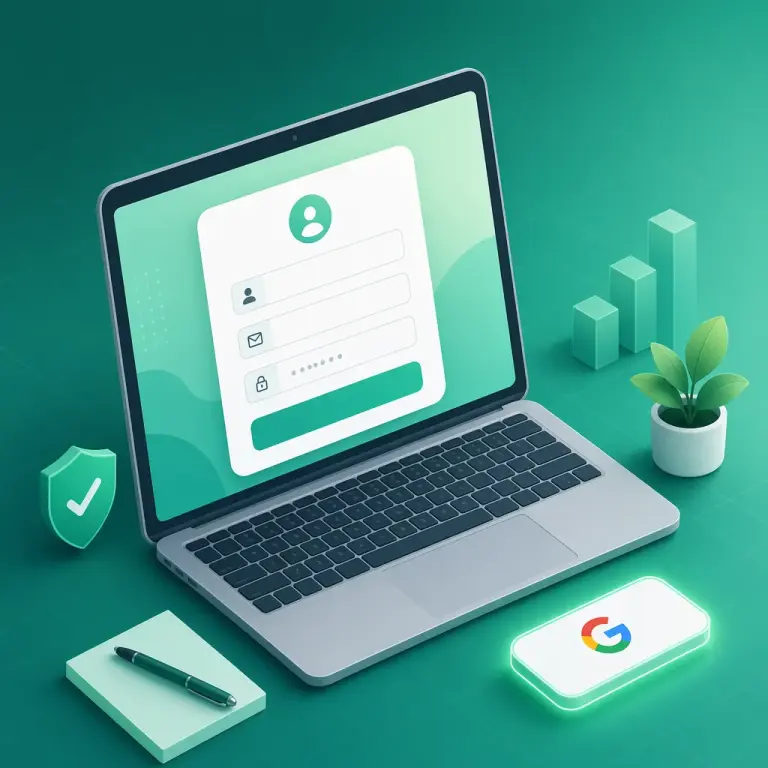
You'll see two options at the top of the form: Continue with Google (one click, no password needed) or the classic email form below. Google is fastest; email is the right pick if you prefer to keep accounts separated or don't use Google at all.
Fill in the form (email method)
If you chose email, enter your name, email, password, and password confirmation. Then solve the 6-digit numeric CAPTCHA shown on the left — click the refresh icon if the characters are hard to read. Press Create Account.
Verify your email
We send a verification link to the address you registered with. Open your inbox (check Spam/Promotions if it's not in Primary), click the link, and your account is fully active. Google signups skip this step — your email is already verified by Google.
Land on your dashboard
You're now signed in and looking at the user dashboard: BTC balance, mining stats, recent transactions, and a prominent banner inviting you to start your free 2-day trial. No miners are running yet — that's your next decision.
Google Sign-up vs Email Sign-up — Which Should You Choose?
Both methods create the exact same account with identical features. The only difference is how you log in and recover access. Here's how they compare:
| Factor | Google sign-up | Email sign-up |
|---|---|---|
| Setup time | ~20 seconds | ~90 seconds |
| Password required | No — Google handles auth | Yes — pick a strong one |
| Email verification | Skipped (already verified) | One email confirmation |
| CAPTCHA | Not shown | 6-digit numeric code |
| Recovery if you lose access | Regain Google = regain NoxHash | Password reset via email |
| Best for | Quick start, frequent Google users | Separate account, privacy preference |
A practical tip: whichever method you pick, enable two-factor authentication (2FA) right after signup. Crypto accounts are high-value targets, and 2FA turns a stolen password into a useless string.
Now put those 5 steps into practice
You've seen the exact signup flow above. Open the registration page in a new tab and you'll be on the dashboard with a free 2-day Basic Miner (50 TH/s) before you finish your coffee.
Secure Your New Account — 4 Fast Wins
Before you deposit anything or rent your first miner, spend five minutes hardening the account. These four actions together take longer to describe than to do:
Enable 2FA immediately
Open Profile → Security, scan the QR in Google Authenticator or Authy, and confirm with a 6-digit code. Login now requires both password and app.
Save your 8 recovery codes
When 2FA activates, NoxHash issues 8 single-use recovery codes. Store them in a password manager or print them — they're your lifeline if you lose your phone.
Use a unique, unguessable password
Never reuse a password from another site. Let a password manager generate a random 16+ character string. If your email is leaked elsewhere, attackers can't pivot to your BTC.
Bookmark the real URL
Phishing clones copy the NoxHash interface perfectly. Bookmark the genuine domain and use the bookmark every time. Never log in from a link in an email, Telegram, or ad.
What to Do First After Signing Up
You now have a verified, secured account. Here's the natural sequence most new users follow — and there's no rush on any of it:
- Activate the free 2-day trial. Click the banner on your dashboard. A Basic Miner (50 TH/s) runs for 48 hours so you can watch real hashrate and earnings. Trial earnings are display-only — they don't credit your wallet — but the experience is genuine.
- Explore the marketplace. Compare the 4 tiers — Basic ($20), Standard ($50), Pro ($100), and Enterprise ($250). Longer rental terms (3, 6, 12, 24 months) unlock 5% to 20% discounts.
- Try the mining desktop. Open any running miner and click View Desktop to see the real Windows Server session and live CGMiner terminal output — useful proof that the hashrate on your dashboard isn't simulated.
- When ready, deposit USDT. Minimum $10 via TRC-20 (Tron) or BEP-20 (BSC). The BEP-20 network typically costs $0.05–0.30 in fees versus roughly $1–2 on TRC-20.
Frequently Asked Questions
Is creating a NoxHash account free?
Yes — signup is completely free and requires no card, ID, or deposit. You can explore the dashboard, activate a 2-day free trial with a Basic Miner (50 TH/s), and delete the account at any time. You only pay if you choose to rent a real mining plan.
Do I have to verify my email before mining?
Yes. Email verification is required before you can deposit, withdraw, or activate the free trial. If you signed up with Google, your email is auto-verified. If you used the email form, click the confirmation link we sent — check the Spam or Promotions folder if it's missing from your inbox.
Does NoxHash require KYC or government ID?
No. Signup only needs a name, email, and password — no ID upload or address verification. You stay responsible for complying with your local tax and crypto regulations on any earnings; we recommend checking with a local tax advisor if you're unsure what applies to you.
What if I forget my password?
Click Forgot Password on the login page, enter your email, and follow the reset link we send. If you registered with Google, you don't have a NoxHash password to reset — just use the Continue with Google button. If you lose 2FA too, use a recovery code.
Can I register more than one NoxHash account?
Each email address maps to one account, and the free trial is limited to one per account. Creating multiple accounts to claim extra trials or bypass platform limits can lead to suspension. Stick to one account per person — it keeps your earnings history, miners, and security settings in one clean place.
Not financial advice
This guide covers account creation only. Renting a miner is an investment in a volatile asset — Bitcoin earnings depend on BTC price, network difficulty, and market conditions, all of which can change quickly. Past results do not guarantee future performance. Only commit funds you can afford to lose, and consider a local tax advisor for questions about crypto earnings in your country.